Google team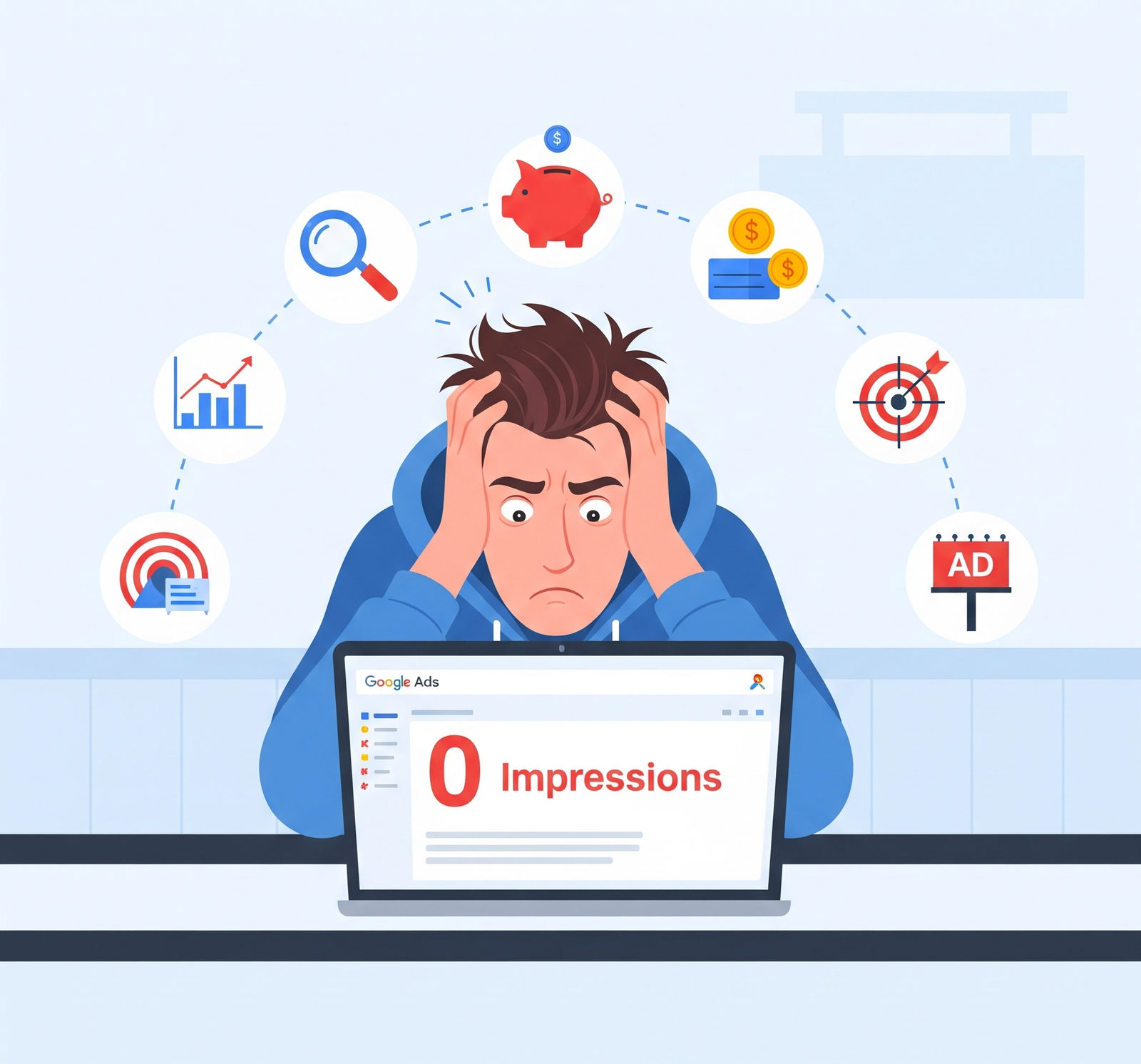
Common reasons why Google Ads are not showing and how to fix them easily.
Introduction
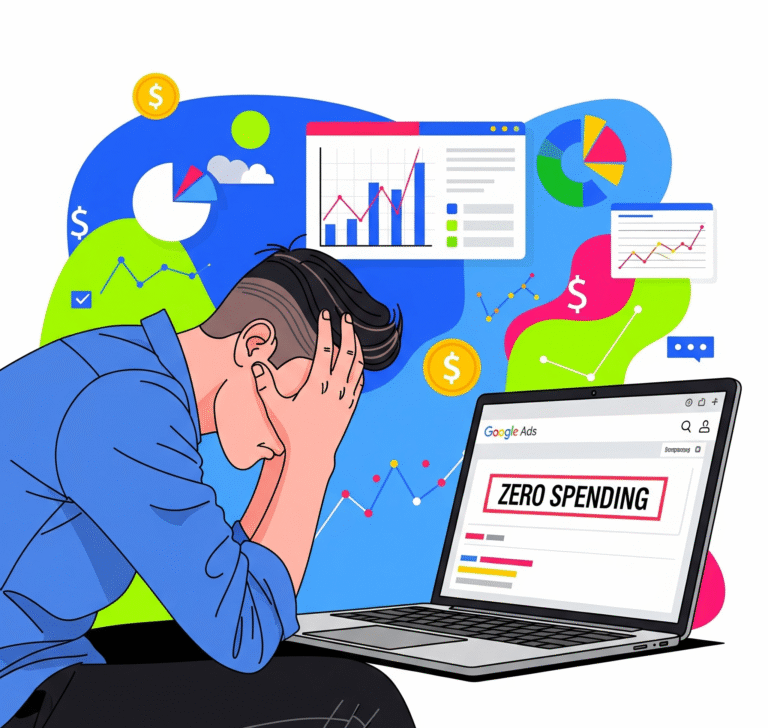
Running a Google Ads campaign but not seeing your ads? 🤔 Don’t worry—you’re not alone. Many advertisers face this issue where ads don’t appear on Google Search or Display Network. The problem can be due to policy violations, targeting settings, bidding issues, or budget limits.
In this guide, we’ll explain the top reasons why Google Ads are not showing and provide practical fixes to get your campaigns back on track.
Common Reasons Why Google Ads Are Not Showing
1. Ad Approval Issues
-
Google reviews all ads before publishing.
-
If your ad violates policies (misleading content, restricted products, grammar errors, etc.), it may be disapproved.
✅ Fix:
-
Go to Google Ads → Ads & Extensions → Status column.
-
Check disapproval reason.
-
Edit the ad and resubmit for review.
2. Low Search Volume or Wrong Keywords
-
If you are targeting keywords with low searches, your ad won’t show.
-
Broad match or irrelevant keywords may also cause poor impressions.
✅ Fix:
-
Use Keyword Planner to find high-volume keywords.
-
Add exact match or phrase match for better targeting.
-
Add negative keywords to filter irrelevant searches.
3. Budget & Bidding Issues
-
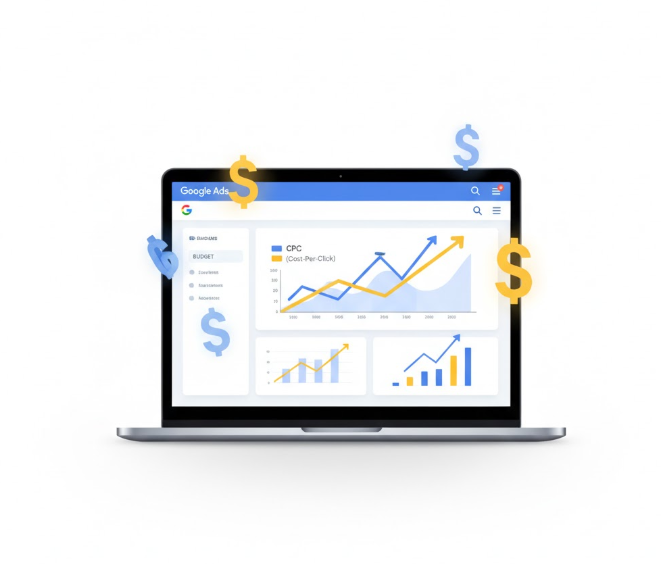
If your daily budget is too low or bids are below competitors, ads won’t show.
✅ Fix:
-
Increase daily budget.
-
Use automated bidding like “Maximize Clicks” or “Target CPA.”
-
Compare CPC (cost per click) with competitors in Auction Insights.
4. Geographic & Audience Targeting Errors
-
If you set a very small location radius or narrow audience targeting, your ads may not appear.
✅ Fix:
-
Go to Campaign → Settings → Locations.
-
Expand targeting (city, state, or country level).
-
Remove unnecessary restrictions.
5. Ad Rank Too Low
-
Google uses Ad Rank = Bid × Quality Score × Extensions.
-
If your Ad Rank is low, your ad may not appear at all.
✅ Fix:
-
Improve Quality Score (CTR, Ad relevance, Landing Page).
-
Add ad extensions (sitelinks, callouts, structured snippets).
-
Increase bids if competition is high.
6. Billing or Payment Problems
-
If your payment method fails, ads will stop showing.
✅ Fix:
-
Check Billing → Transactions in Google Ads.
-
Update credit/debit card or add backup payment method.
7. Ad Scheduling Restrictions
-
If your campaign is scheduled to run only at specific times, it won’t show outside those hours.
✅ Fix:
-
Go to Ad Schedule settings.
-
Set to “All Days, All Hours” for maximum reach.
8. Policy Restrictions (Industry-Specific)
-
Some industries (gambling, crypto, health, finance, alcohol, etc.) have strict ad policies.
-
Ads may get limited or restricted visibility.
✅ Fix:
-
Review Google Ads Policies.
-
Modify ad content and comply with rules.
Final Tips to Ensure Your Ads Show Consistently
✔ Always monitor Impression Share and Ad Rank.
✔ Use Ad Preview & Diagnosis Tool instead of searching manually.
✔ Run A/B testing with different ad copies.
✔ Keep your landing page fast, mobile-friendly, and relevant.

 Nafeesa parveen